InfraSpatialSolutions

GIS consulting for the systems people rely on

Better GIS.
Stronger everyday
operations.

We connect your data, technology and workflows—so your team can put GIS to work with confidence.

Explore our approach
Hydrant inspectionField Maps · offlineASSET IDHYD-2041CONDITIONNeeds repairFLOW TEST (GPM)1,120photoattachedSubmitSynced to EnterpriseArcGIS Enterprisefederated · HTTPSPortalidentity and sharingArcGIS Serverfeature service updatedData Storerecord writtenAutomation and QAPython · attribute rules · scheduled jobs> attribute rulespass> domain checkvalid> duplicate scannone> work order createdWO-5187> nightly reportqueuedOperations dashboardINSPECTED TODAY4243WORK ORDERS67INSPECTIONS BY DAYhydrants · needs repairRECENTHYD-2041 · Needs repairnowHYD-1988 · Good9:41VLV-0312 · Good9:121Collect in the field2Sync to ArcGIS Enterprise3Validate and automate4Decide from the dashboard
One inspection record, from field collection to office review. Illustrative workflow.

Utilities · Local government · Infrastructure

Field Maps → ArcGIS Enterprise → Quality checks → Dashboard

A GIS that works for
the people using it.

Behind every map is a system: data that needs care, services that need to run, and people who need reliable answers. InfraSpatial Solutions helps you bring those parts together.

From the first assessment to ongoing support, we focus on what your team needs to do—and what it takes to keep that work moving.

From a clear direction
to a dependable GIS.

Explore the four ways we help. Start where your organization needs us.

Plan your GIS

Know where you are.
Decide what comes next.

Understand your existing environment, the people it serves and the changes that matter. Turn competing priorities into a practical plan.

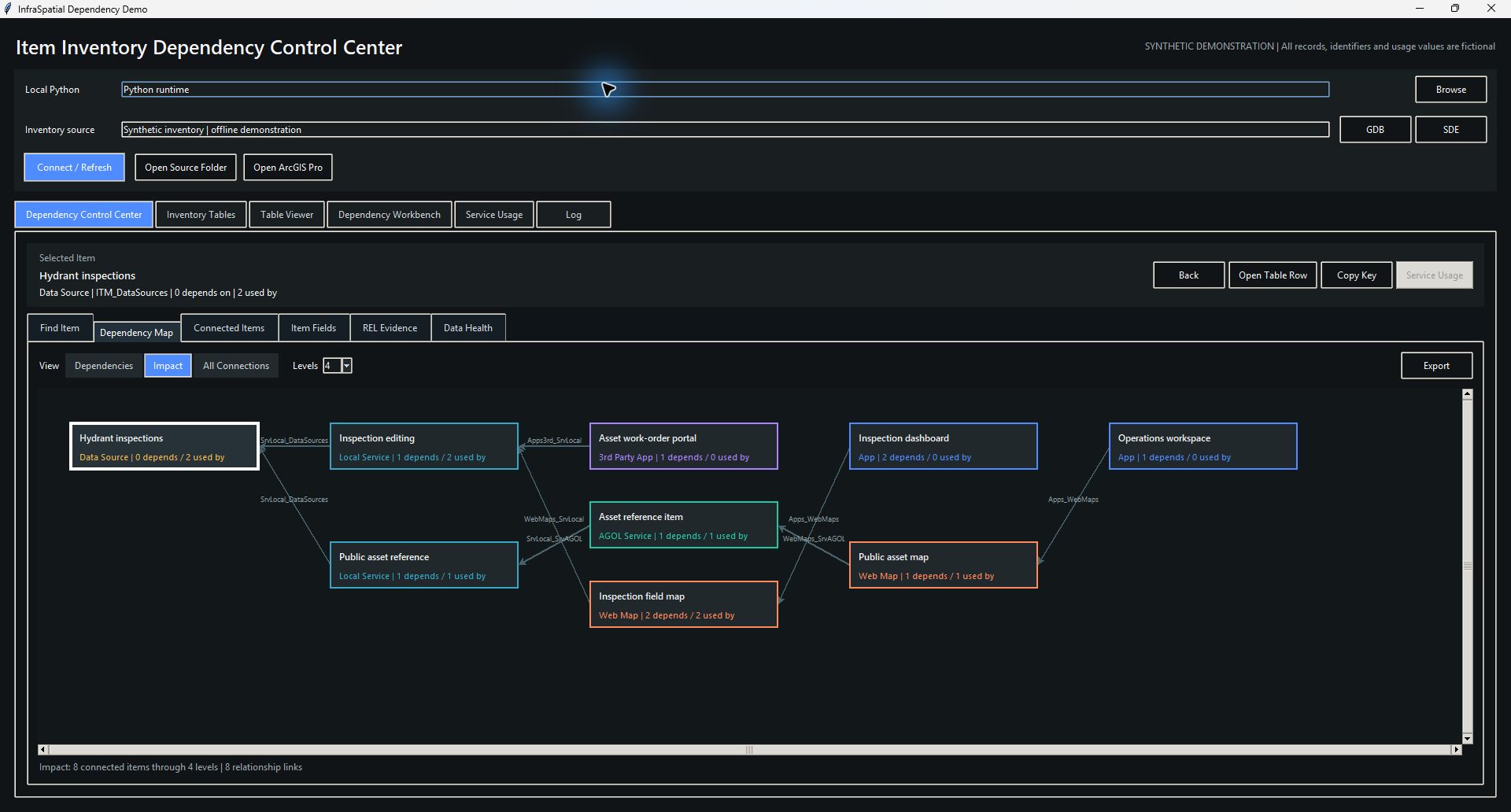
  • GIS assessments and dependency reviews
  • Architecture and data-management planning
  • Requirements, priorities and delivery roadmaps

You leave with a clear scope, priorities and a path forward.
Build and modernize

Make the next environment
ready for real work.

Deploy the platform, organize the data and connect the systems your organization depends on. Move existing workflows through controlled testing.

  • ArcGIS Enterprise implementation
  • Geodatabase and application migration
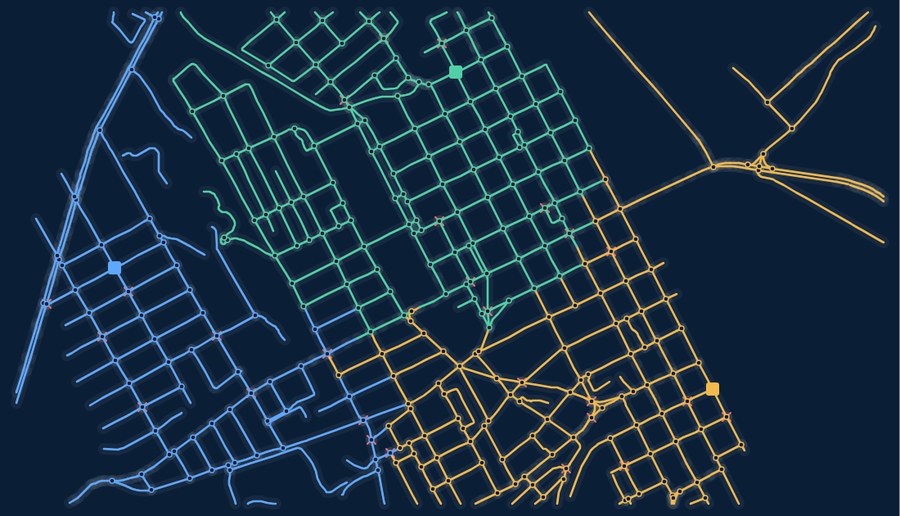
  • Utility Network and system integration

You leave with a configured environment, validation evidence and documented handover.

Put GIS to work

Give people a useful answer.
And a simpler way to work.

Turn spatial information into applications, analysis and repeatable workflows. Design around the person making the decision or completing the task.

  • Web maps, dashboards and field applications
  • Python automation and data integration
  • Water-resources and infrastructure analysis

You leave with a usable tool or analysis, with clear inputs, outputs and instructions.

Support and improve

Keep the system useful
as your needs change.

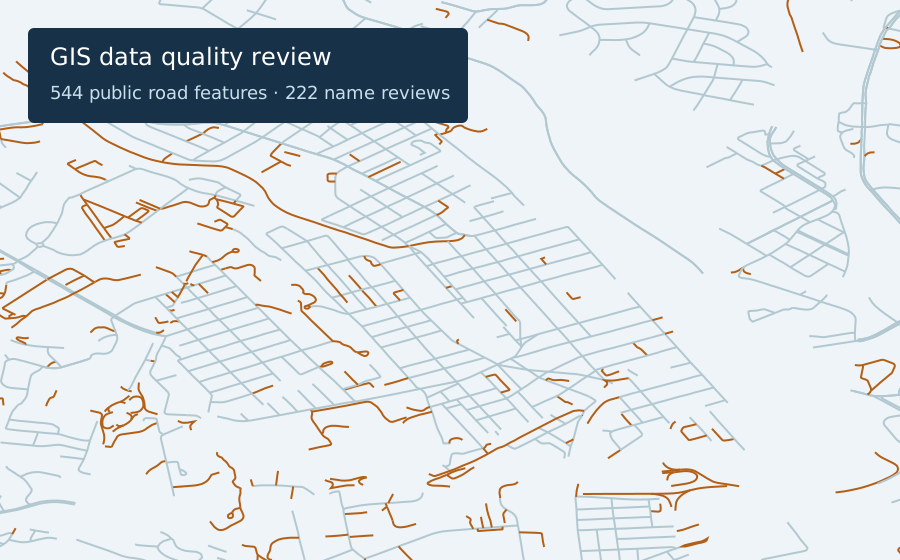
Make maintenance part of the plan. Review data quality, access and service health, then address the issues that get in the way of daily work.

  • Portal administration and GIS support
  • Data-quality and service-health reviews
  • Upgrade planning and workflow improvements

You leave with documented checks, resolved issues and a maintainable system.

See the thinking.
Inspect the evidence.

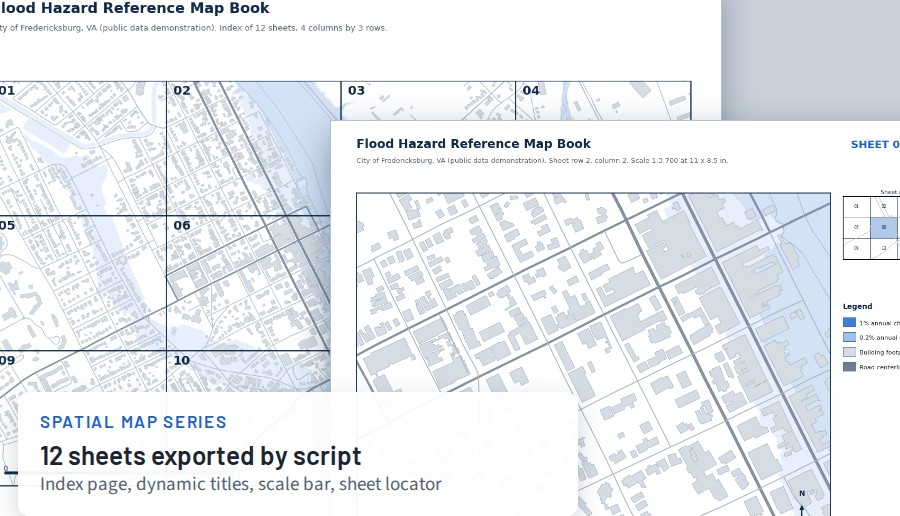
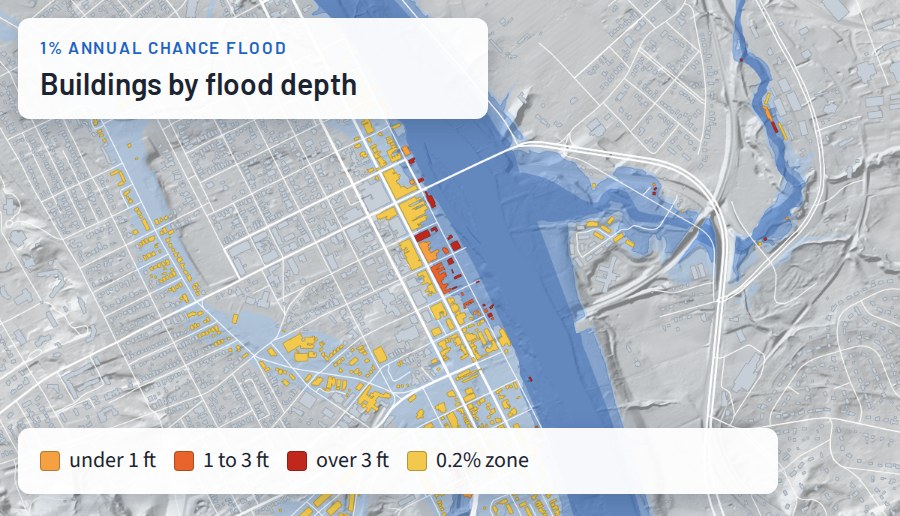
Practical examples of how we investigate problems, build tools and check results.

Different responsibilities.
A shared need for reliable GIS.

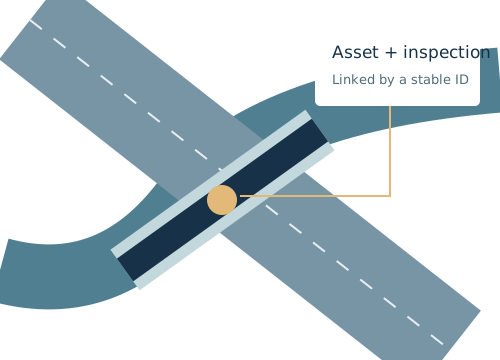
Connect asset information to daily operations.

Bring network data, inspection records and field workflows together. Support the people maintaining assets and planning the next improvement.

  • Utility Network and asset data
  • Inspection and field applications
  • Data quality and system integration
Discuss your environment

Start with the problem
you need to solve.

Tell us what
you need to solve.

Describe your system, the challenge and the result your team needs. We’ll review the details and discuss a practical next step.

[email protected]

Working with utilities, local government and infrastructure teams across the United States.

Creates a draft in your email app for you to review and send.